

Publicado: Por Trucell10 min de lectura
Assignment of Benefit for bulk billing: a checkbox is not the problem, who ticks it is
Assignment of benefit checkboxes are valid to Medicare, but staff-ticked or unprovable ones fail review. What compliant digital acceptance requires.
The short version:
- A checkbox is an approved way for a patient to assign their Medicare benefit. Services Australia’s own compliant example uses one.
- What fails a compliance review is a checkbox your staff tick, a checkbox that cannot prove which patient agreed, or a record that can be edited after the fact.
- The “Assignment of Benefit Received” tick in your billing software is a record flag, not the patient’s assignment. If that tick is all you have, you do not have an assignment.
- The requirements apply to services from 1 July 2026. Verbal agreement is allowed in transition to 30 June 2027, but you must still keep a written or electronic record, and there is no separate deferral for diagnostic imaging.
As practices move bulk billed assignment of benefit (AoB) from paper to digital, a number of radiology and general practice providers have added a checkbox to their booking or reporting systems and treated the job as done. Some of those workflows will not survive a compliance review. The reason is not the checkbox. It is who ticks it, and whether the system can prove who agreed.
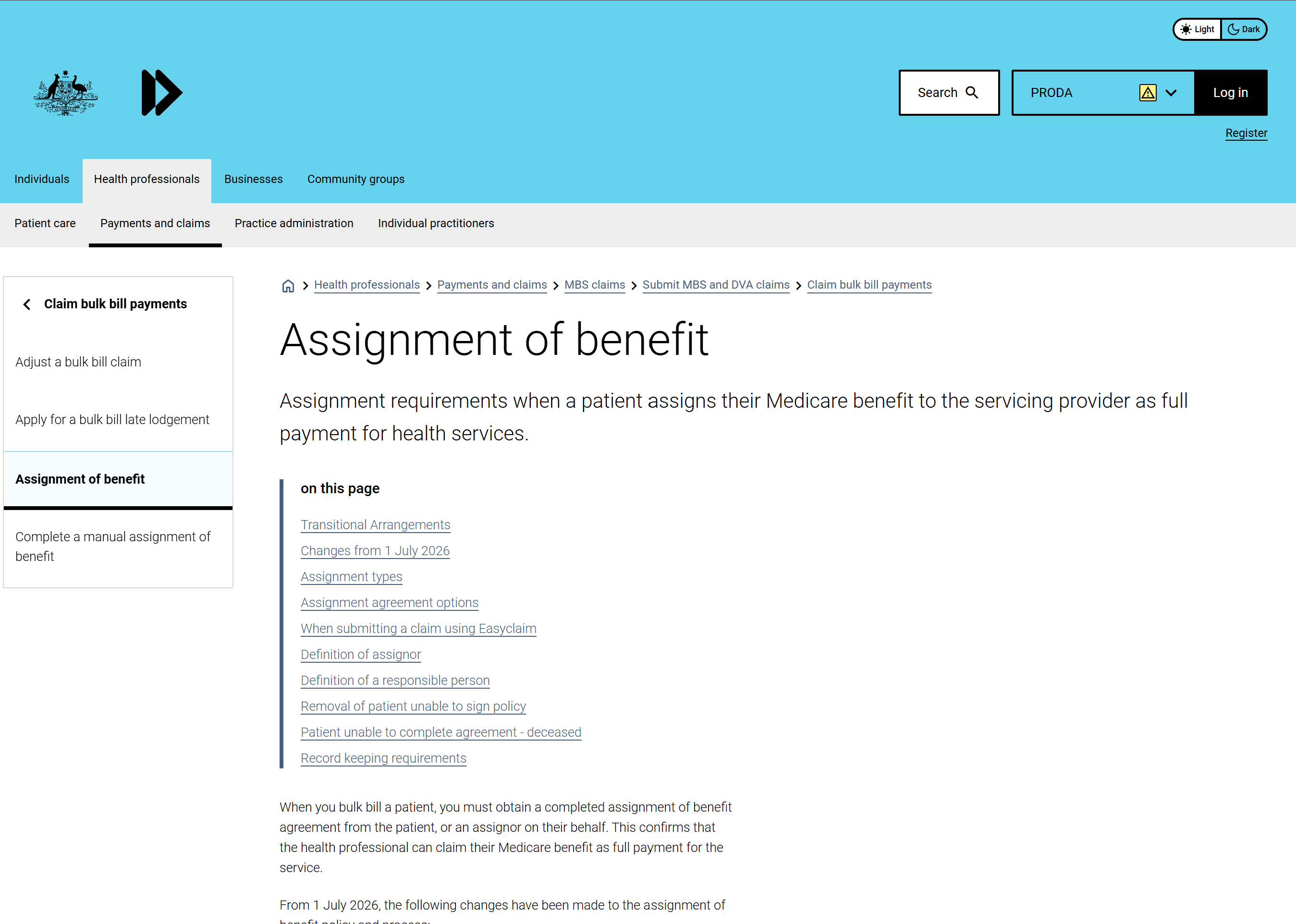
First, the checkbox itself is fine. Services Australia’s guidance, “Assignment of benefit for bulk bill claims”, describes a compliant electronic channel in which the practice sends the patient a text message with a link to a form that includes the assignment agreement particulars, and “the assignor accepts the assignment by selecting a check box on the agreement form”. In written clarification Trucell obtained from the Department of Health, Disability and Ageing, the Department confirmed that a checkbox is an “action”, as is an agree button or a typed name. So a checkbox is an approved way to capture agreement.
The failures are in the workflow around it.
What Medicare actually requires
An electronic assignment of benefit is treated as an electronic signature, aligned to the Electronic Transactions Act 1999, and the Department’s guidance takes a principles based approach. A valid acceptance must:
- reliably identify the assignor
- reliably indicate the assignor’s agreement by requiring an action
- meet all privacy and information technology requirements
Two further requirements sit alongside that test:
- The assignor performs the action. The assignor is the patient, or a responsible person such as a parent, guardian or carer who would otherwise meet the cost. Under the Health Insurance Act 1973 (section 20) and the Department’s guidance, a person employed by the practitioner rendering the service cannot be the assignor, because of the perceived financial conflict of interest.
- The record is finalised, dated, and immutable. The agreement must be finalised on the assignor’s action, carry the date of agreement (metadata is an acceptable way to record it), and not be editable afterward, so it stands as the record behind any later claim. See section 127A of the Health Insurance Legislation Amendment (Assignment of Medicare Benefits) Act 2024; the retention period is set out in Services Australia’s guidance.
Where the common checkbox workflows fall down
A checkbox bolted onto a practice management or RIS screen usually fails on one or more of these points:
| What Medicare requires | Where a bolted-on checkbox fails |
|---|---|
| The assignor performs the action | Reception or admin staff tick the box for the patient. Staff of the rendering practice cannot be the assignor. |
| Reliably identify the assignor | A box in a shared practice system does not tie the action to a specific, identified patient. |
| A finalised, dated, immutable record | The field can be changed later, or carries no reliable date of agreement. |
None of these are checkbox problems. They are workflow problems. The same checkbox, presented to the patient on their own device through a link that identifies them, and stored as a dated record that cannot be altered, is compliant.
A “benefit received” tick in your billing system is a flag, not the assignment
Many practice management and billing systems put an “Assignment of Benefit Received” checkbox on the invoice screen. Be clear about what that checkbox is: a record flag the practice ticks to note that an assignment was obtained. It is not the patient’s assignment, and ticking it does not create one. It is not performed by the patient, it does not identify the assignor, and on its own it is not the finalised, dated, patient-agreed record Medicare expects. Treat it as a bookkeeping marker, and tick it only once a compliant assignment, performed by the patient and captured as an immutable dated record, actually exists behind it. If that tick is your only assignment, you do not have one.
The transition is not a deferral
Some providers have heard there is a twelve month deferral for diagnostic imaging. There is not. New assignment requirements apply to services from 1 July 2026. Verbal agreement is permitted during a transition for bulk billing to 30 June 2027, but a written or electronic record is still required throughout. The Department has described an education first, risk based compliance approach while practices adopt the new requirements. That is not the same as a delay, and it is not a special rule for imaging: the requirements and options are the same for everyone assigning a Medicare benefit.
What a compliant digital acceptance looks like
Put the acceptance in the patient’s hands, and keep the evidence:
- The patient, or a responsible person, receives the assignment agreement particulars, for example through a secure link, and performs the action themselves. A checkbox, an agree action, or a typed name all qualify.
- The solution identifies the assignor, so the record shows who agreed, not just that a box was ticked.
- On acceptance the agreement is finalised, dated, and made tamper evident, then retained with the particulars as agreed, the acceptance record, and identifying metadata.
This is how RadForms captures assignment of benefit for radiology practices: the patient confirms on their own device, the particulars are shown at the point of acceptance, and the finalised record is dated and not editable. For an episodic (per service) assignment, the form records whether the assignor is the patient rather than verifying identity; enduring agreements carry more detailed requirements.
Check your own process
Run your current bulk billing assignment workflow against these. If any answer is no, it likely needs work before you rely on it:
- Does the patient, or a responsible person, perform the acceptance themselves? Not your reception or admin staff, who cannot be the assignor.
- Can you show which patient agreed? The record has to identify the assignor, not just show that a box somewhere was ticked.
- Are the agreement particulars shown at the moment of acceptance, so the patient sees what they are agreeing to?
- Is the record finalised, dated, and impossible to edit afterward, with the date of agreement captured?
- Do you retain the finalised agreement, including the particulars as agreed, the acceptance record, and identifying metadata?
An “Assignment of Benefit Received” tick in your billing software is not a yes to any of these on its own. It only flags that a compliant assignment exists, so make sure one actually does.
Questions to put to your software vendor
Most practices will not build this themselves; the answer will come from your practice management, RIS, or forms vendor. These five questions separate a compliant workflow from a bolted-on checkbox, and every one of them maps directly to the requirements above. Put them in writing, and keep the answers with your compliance records:
- Who performs the acceptance action in your workflow? If the honest answer is “your reception staff”, the workflow fails before any other feature matters.
- How does the record identify the assignor? Ask them to show you what the stored record says about who agreed, not just that agreement was recorded.
- Is the agreement finalised, dated, and immutable on acceptance? Ask how the date of agreement is captured (metadata is acceptable) and whether anyone can edit the record afterward.
- Are the agreement particulars displayed at the moment of acceptance? The patient has to see what they are agreeing to, not tick a box referencing a document somewhere else.
- How do we retrieve the finalised agreement, acceptance record, and metadata if Services Australia queries a claim?
Ask us the same five questions about RadForms. A vendor whose workflow is genuinely compliant will not mind answering; a vendor who deflects has answered anyway.
What to do this week
You do not need to solve this in one afternoon, but you should know where you stand before you rely on another quarter of bulk billed claims:
- Walk one real bulk billed patient through your current flow and write down, step by step, who ticks what and where it is stored. Most gaps become obvious the moment the flow is on paper.
- Run the five self-check questions above against what you wrote down.
- Send the vendor questions, in writing, to your PMS, RIS, or forms vendor and file the response.
- If you find gaps, plan the fix now. The transition period to 30 June 2027 lets you rely on verbal agreement with a written or electronic record while you implement a compliant capture, but it is a bridge, not a destination.
An example agreement to adapt
If you are documenting your assignment wording, this illustrative example shows the elements a bulk billed assignment of benefit agreement captures, on paper or as the basis for a digital form: example assignment of benefit agreement (PDF). It is a starting point to adapt, not an official form and not legal advice. Services Australia has published its own template examples, including a bulk billed pre-assignment example for diagnostic imaging, on servicesaustralia.gov.au. Use those as your authoritative basis and confirm your obligations before you rely on any wording.
The source documents
- Services Australia, Assignment of benefit for bulk bill claims
- Health Insurance Act 1973, section 20
- Health Insurance Legislation Amendment (Assignment of Medicare Benefits) Act 2024, section 127A
- Electronic Transactions Act 1999
- The written clarification Trucell obtained from the Department of Health, Disability and Ageing: Assignment of Benefit acceptance requirements (PDF)
For functional and software questions, Services Australia is the reference for vendors building electronic assignment workflows.
Not legal advice
This article is a plain language summary to help radiology and general practice teams understand the direction of the requirements. It is not legal advice. Confirm your obligations with Services Australia and your own advisers before you rely on any assignment workflow.
Next step
If you want your digital assignment of benefit capture reviewed against these requirements, the path depends on your practice:
- Radiology and imaging practices can look at RadForms, which captures assignment of benefit the way this article describes, on the patient’s own device with a finalised, dated record. Our radiology practice IT support team can review your current AoB workflow alongside the rest of your imaging stack.
- General practices get AoB capture reviewed as part of our free GP practice IT and accreditation gap check, together with your practice management system, backups, and Medicare access.
Whichever applies to you, talk to Trucell and we will look at your current workflow against these requirements, with no obligation. You keep the written summary.